
Photo Inventory App That Scans Box Contents With AI
Published · Updated · 3 min read
An app that scans box contents does not need a warehouse gun. It needs the camera you already have. Open the box, take one photo, and Hoardo's AI photo scan writes a list of what it sees: names, counts of identical things, each as an item you can check and save. That is the whole trick of a photo inventory app.
This is not a barcode inventory system. A QR label on the outside opens the box's list so you do not unpack it. The AI photo scan looks at what is inside, while the lid is off, and builds that list in the first place.
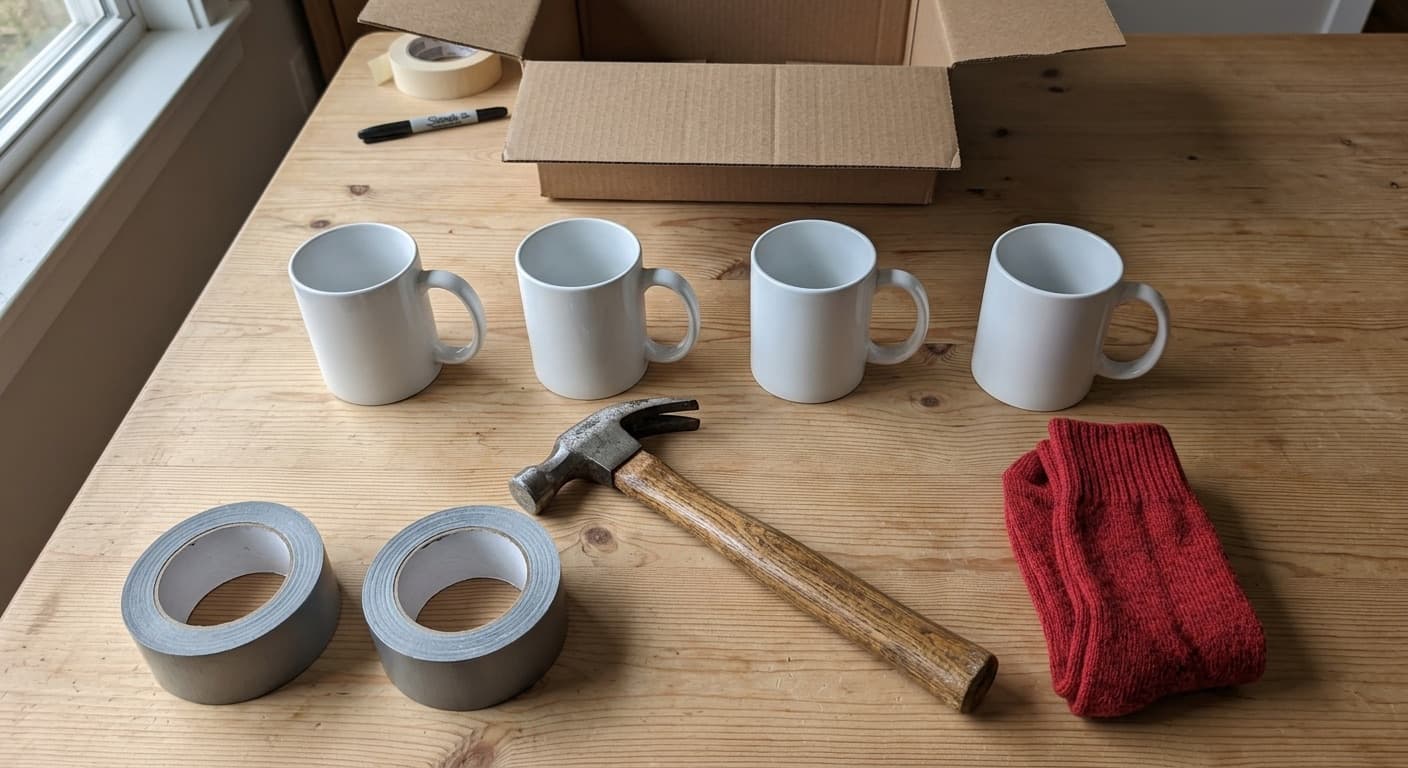
Snap a photo, get the contents as items
- Open a box in Hoardo and tap add.
- Choose AI Image scan.
- Point the camera at the open box, or at a shelf, and shoot.
- Hoardo names what it finds, counts copies of the same thing, and lines them up for you to check.
- Tap Done, fix any name, then add the items to the box.
You can keep shooting. Shots queue in the tray, so a long shelf does not have to wait.
Single item or a whole box
The camera has two modes, the same switch that is in the app:
- Multiple items. Frame everything in the box or on the shelf. Hoardo splits the shot into separate items and counts identical ones (four mugs become one item with quantity 4).
- Single item. Brackets sit in the middle. Put one thing in them when you want that object and nothing else, for example a tool that looks like three others.
Check the list, then save it
After Done, the finds land in the add sheet: each name, a quantity when Hoardo counted copies, a category if you switched that on in Settings. You can rename, drop a false find, or add one more by hand. Then they belong to the box.

Typing and speech still work. Speech is the faster cousin when your hands are full: say what is going in and Hoardo turns it into items. Photo scan is for when the box is already a jumble and you would rather point the camera than talk.
What this AI inventory app does, and what it does not
Hoardo is a free AI inventory app for homes, not a warehouse. Image recognition, voice recognition and the AI chat assistant are included. Rooms, numbered boxes, photos, QR labels, items and users stay free. There is no paid plan. More on AI inventory management for homes and small shops.
You can also ask about your boxes from Claude or ChatGPT with the Hoardo MCP server.
The scan does not read shop barcodes on packets. For labels on the box itself, use the barcode inventory system: print a QR label, stick it on, and scan it later to see inside without opening.
A photo inventory app that stays free
Hoardo is free for all your boxes, items and users. The AI photo scan is one of the ways in, next to typing and speech. For how that compares with paid inventory apps, see the roundup of free inventory apps, or start from what an inventory app is.