AI Inventory Management for Home and Small Business: What the AI Really Does
Published · 9 min read
AI inventory management is the use of AI to keep a list of what you have and to find it again. For a warehouse that often means forecasting demand and writing purchase orders. For a home inventory app or a small shop it mostly means getting things onto the list in the first place, then knowing which box or shelf they sit on when you need them.
Hoardo is a free AI inventory app for that second job. It does not forecast demand or write purchase orders. It does help you write the list from a photo or your voice, fill in counts and prices, email you when something is running low, and answer "where is the tent?" in the app or from Claude or ChatGPT.
What AI inventory management means (and who it is for)
In business software, AI inventory management usually means four things: forecasting what you will sell next month, suggesting what to reorder, spotting numbers that look odd, and running warehouse work such as bins, picks and replenishment. That is the world of paid warehouse tools.
At home, in a storage unit or in a small shop the hard part is different. Nobody wants to type every mug, cable and spare bulb. Nobody can find the thing when they need it, because the list was never finished. That is where AI helps: it writes the first list, and it answers when you ask.
Hoardo is for households packing a garage or an attic, people who rent a storage unit, movers, and small shops that store stock on shelves: studios, salons, bars, makers. Rooms stand in for locations. Numbered boxes stand in for shelves, totes and drawers. Shared members can see the same rooms. It is not built for multichannel ecommerce, a till, or a warehouse with picking routes.
How AI is used in inventory management at home and in a small shop
The useful work is getting things in, keeping a count, putting a price on extras, and finding them later. Hoardo's AI does those jobs in the app. Some of them also work from Claude or ChatGPT once you connect the MCP server.
Photo scan
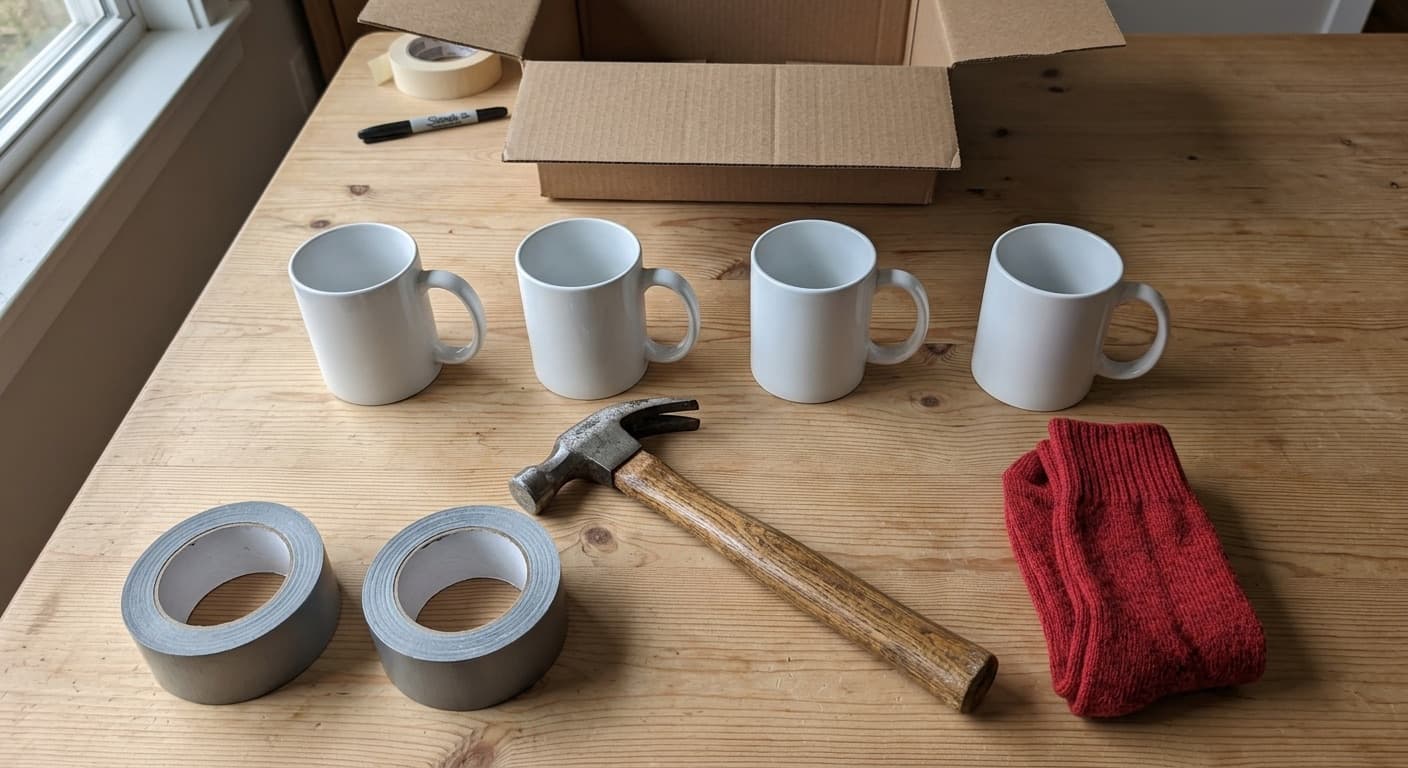
Open a box or look at a shelf, take one photo, and Hoardo writes a list of items with counts. Four identical mugs become one item with quantity 4. You check the names, drop a false find, then add them to the box. That is AI photo scan. Each item keeps one photo.

Voice adds
Hands full while you pack? Say what goes in the box. Hoardo turns the sentence into items you can check and save, amounts included when you say them. Photo scan is for a jumble you would rather point a camera at than describe.
Ask the AI chat
Ask in your own words, in any language. "Where is the tent?" "What is in box 12?" "What do I have for camping?" Hoardo answers from your rooms and boxes, with the place each thing lives.
Prices
Turn on "Hoardo fills in prices" in Settings and new items get a price from the photo or from what you say. It is an estimate you can change, not a valuation and not a market appraisal. Leave the switch off and nothing is filled in.

Low stock emails
On an item, "Notify me? Get an email when it's running low". Set the level that counts as low for you. You get one email each time the count drops below that level, and another after it has gone back up and then drops again. Hoardo does not reorder for you. It only tells you.
Sell the extras
Put things on a Selling list and share its public shop page. Hoardo can write a listing from your photos. Buyers see what is for sale and the price, never which room or box it came from.
AI inventory tracking, from one photo to a searchable list
AI inventory tracking here means a list you can search, not a forecast of what to buy. Five steps get you there.
- Make a room. Garage, attic, stockroom, the unit you rent. A second site is another room.
- Add a numbered box. The number is what you write on the real box or shelf. The name is optional. An unnamed box shows as "#12".
- Photo scan the open box. One photo becomes a list of items with counts. Voice is the other way in.
- Check the list, then add. Rename a guess, drop extras, keep the photo on each item.
- Search or ask. Type a name, or ask the AI chat where it is. Stick a QR label on the box later if you want to open the list without unpacking.
Once the list exists, finding something is a search or a question, not an afternoon of opening lids.
Use your inventory from Claude or ChatGPT
The Hoardo MCP server for Claude and ChatGPT lets you ask about your boxes from the AI app you already use. Sign in with OAuth once. Ask in your own words. It asks before it changes anything.
ChatGPT custom MCP servers are web only (not the mobile app). Full support, including write actions, is on Business and Enterprise/Edu workspaces (on Business, admins and owners; on Enterprise/Edu, also members an admin allows). Pro can connect with read/fetch only. Plans and menus are up to OpenAI and may change.
You get 26 tools. Hoardo's AI notes and estimated values are never shared over MCP. Photo scans and voice adds stay in the Hoardo app. The connect page has the setup for Claude and for ChatGPT. This page does not repeat those steps.
What Hoardo's AI does not do
Hoardo does not forecast demand. It does not suggest a reorder quantity, write a purchase order, sync a till or a sales channel, or run warehouse bins and picking. Photo scans and voice adds are not available over MCP.
If you need forecasting, automatic reordering or purchase orders, that is business inventory software. Hoardo is not built for that. It stays a list of rooms, boxes and things, with AI to write the list and find what is on it.
AI inventory management software vs a free AI inventory app
Business AI inventory software is built for forecasting and purchasing. A free AI inventory app is built for writing the list and finding things. Hoardo is the second kind. For how that compares with a paid visual inventory app, see the Sortly alternative comparison.
| Need | Business AI inventory software | Hoardo |
|---|---|---|
| Forecasting and reordering | Yes | No |
| Purchase orders | Yes | No |
| Add items from a photo | Varies by vendor | Yes |
| Ask in plain words | Varies by vendor | Yes, in the app and from Claude or ChatGPT |
| Shared members | Often paid seats | Free |
| Price | Paid plans | 100% free |
Benefits of AI in inventory management
- A first list in minutes. A photo of an open box, or a sentence while you pack, beats typing every item. You still check before anything is saved.
- A review step before anything is saved. Names and counts land in the add sheet. You rename, drop a false find, then add. The AI does not write straight into the box.
- Find things without opening boxes. Search or ask, and you get the box and the room. The lid can stay on.
- Counts and prices filled in. Identical things are counted from the photo. Prices are estimates you can change when "Hoardo fills in prices" is on.
- Use it from the AI app you already have. After you connect the MCP server, Claude or ChatGPT can look things up and change them, and they ask first.
How to use AI for inventory management in 5 steps
- Make a room and add a numbered box (the number is what you write on the real thing).
- Photo scan the open box, or add things by voice, then check the list and save it.
- Turn on "Hoardo fills in prices" in Settings if you want an estimate on new items. Set "Notify me?" on anything you do not want to run out of.
- Print QR labels so the real box opens the list later.
- Search, ask Hoardo, or ask from Claude or ChatGPT. For the habit itself (number, list, label, search), see free inventory tracking.
The same three levels (rooms, boxes, items) also work for small business inventory management: rooms as locations, boxes as shelves, shared members on the floor.
Questions about AI inventory management
What is AI inventory management?
For a business it means software that forecasts demand and suggests what to reorder. At home or in a small shop it mostly means AI that writes your list from a photo or your voice and finds things when you ask.
How is AI used in inventory management?
In Hoardo: a photo scan turns an open box into a list, voice adds turn what you say into items, the AI chat answers where things are, it can fill in prices, and you can get an email when an item runs low. Forecasting and purchase orders are business software jobs Hoardo does not do.
Is there a free AI inventory app?
Yes. Hoardo is 100% free, with no paid plan.
Can AI make an inventory from a photo?
Yes. Take one photo of an open box or a shelf, check the names and counts Hoardo writes, then add them. Each item keeps one photo.
Does Hoardo forecast demand or reorder stock?
No. You can set a low-stock level on an item and turn on "Notify me?" to get one email each time it drops below it.
Can I ask Claude or ChatGPT about my inventory?
Yes, with the Hoardo MCP server. Sign in once and ask in your own words. Setup is on the Claude and ChatGPT page.
What does a connected AI app see?
Your rooms, boxes, items and lists, under your own sign in. Hoardo's AI notes and estimated values are never shared over MCP.
Is it good for a small business?
Yes, for shops, salons, bars and studios that need to know what is where: rooms as locations, boxes as shelves, shared members. It is not built for multichannel ecommerce or warehouses.